Every quote priced with the risk in it. Every supplier watched.
Capveon connects your ERP, quoting tool, supplier emails and warehouse system, and does the work between them: pricing quotes with today's cost and lead time, watching suppliers and inventory, and forecasting demand from your own history. Nothing is replaced.
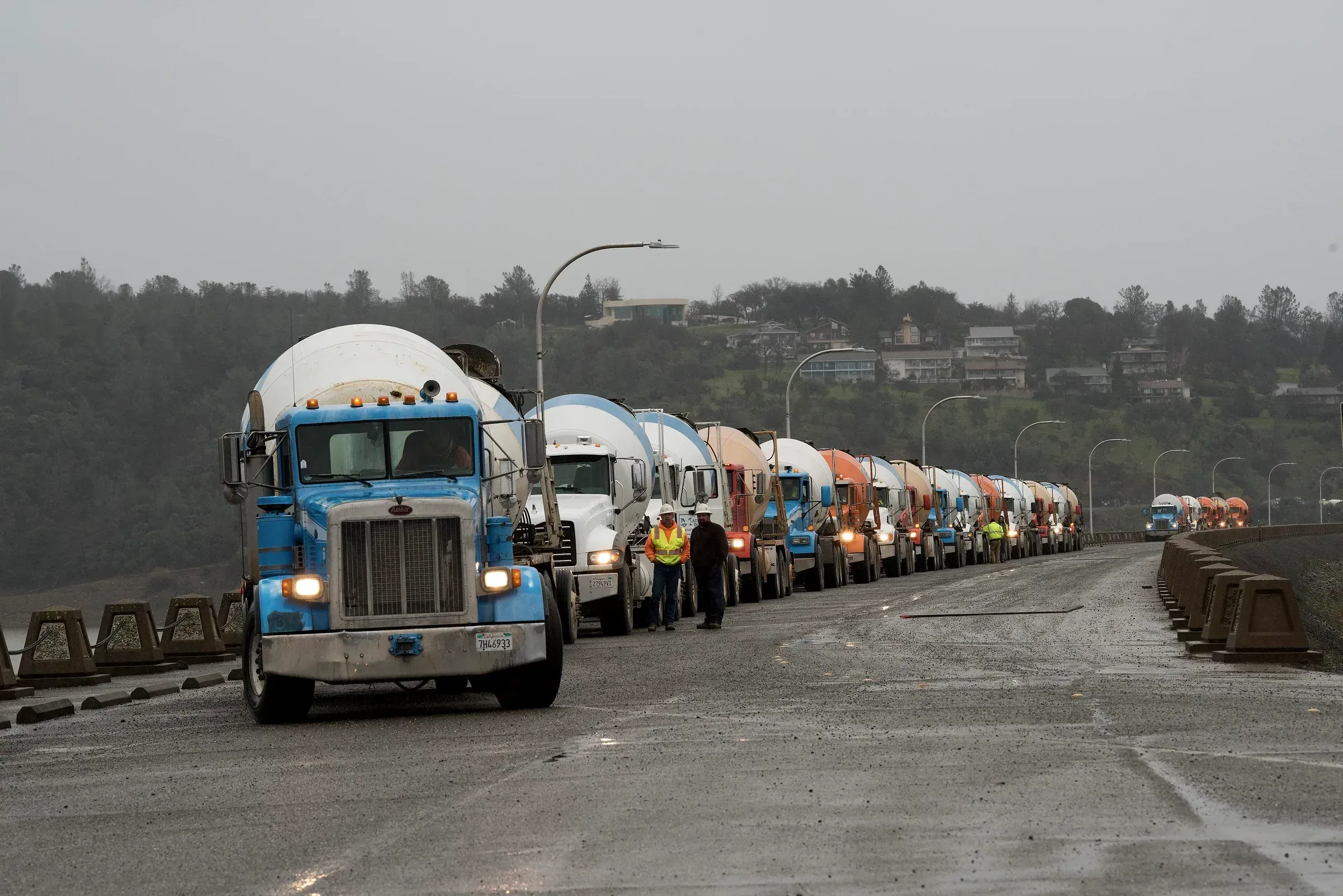
Concrete trucks lined up for the Oroville Dam emergency spillway repair, 2017. California Department of Water Resources.
The cost of a quote is in four systems. The quote goes out with a guess.
Cost is in Epicor. Lead time is in the supplier's last email. Inventory is in the warehouse system. The customer's payment history is in Salesforce. The rep prices from the last quote, and the margin is decided by whatever nobody checked.
Supplier reliability, demand and freight move every week.
One quote, from four systems.
One quote, every system's piece of it, the risk shown before it goes out.
Quote 26-1187, 1,200 ft ductile iron pipe and fittings
One record, assembled from four systems.
- ERP
- Cost up 6 percent since the last quote to this customer
- Supplier
- Lead time 9 weeks, quoted as 6 last time; on-time rate 71 percent last quarter
- Inventory
- 40 percent on hand; the rest on a PO due after the customer's need date
- CRM
- Last two invoices paid 38 days late
- Recommendation
- Price at current cost with a lead-time buffer, or split the shipment. Flagged for approval.
Margin at the rep's draft price: 11 percent. Margin after cost and lead-time risk: 4 percent.
Quotes priced with today's cost, lead time and risk.
Before a quote goes out, Capveon pulls current cost from the ERP, lead time and reliability from the supplier's history, inventory position and the customer's payment record, and shows the margin with the risk in it. The rep decides the price. Nothing goes out unseen.
- Current cost and lead time, not the last quote
- Margin shown with risk priced in
- Drafted in your quoting tool, approved by the rep
Suppliers watched before they slip.
On-time history, lead-time drift, price changes and single-source exposure, read from your POs, receipts and email. A supplier trending late is flagged with the evidence while there is still time to buy elsewhere.
- Lead-time and on-time trends per supplier
- Single-source exposure by product line
- Alerts with the PO history behind them
Demand and inventory forecast from your own history.
Orders, quotes, seasonality and the project pipeline in your CRM become a demand forecast by product and location, with the factors behind each number. Stock is positioned by what is coming rather than by habit.
- Forecast by product and location
- Project pipeline included, not just order history
- Accuracy tracked against actuals
Purchasing, quoting, ERP and CRM kept in sync.
A quote becomes an order and the ERP knows. A PO is confirmed and the promise date updates. The customer spelled four ways becomes one. Every write waits for a person to approve it.
- Read-only first. Writes wait for approval.
- Supplier emails and PDFs read like any other source
- Audit trail per field
Next to what you already run
Nothing is replaced. Your ERP and quoting tool hold what was entered. Your suppliers' emails hold the rest. Capveon reads all of it and does the work in between.
| Question | ERP and quoting tools | Spreadsheets and email | Capveon |
|---|---|---|---|
| What it knows | What your team entered, in that system | Whatever someone last copied in | Every system's piece of every quote, supplier and product, resolved to one record |
| Pricing a quote | Last price, list price | The rep's memory | Today's cost, lead time and risk, with the margin shown |
| Supplier risk | Not covered | Noticed when it is late | Predicted from PO history, flagged with evidence |
| Demand and inventory | Reorder points | A spreadsheet | Forecast from orders, quotes and pipeline |
| Data entry between systems | Not covered | Your people | Proposed by Capveon, approved by a person |
Questions supply chain teams ask
- Is this only for infrastructure companies?
- No. We started with infrastructure contractors and manufacturers, and many of them run a supply chain. The same system works for any business that buys, stocks, prices and ships: distributors, industrial suppliers, building products.
- Does it replace our ERP or quoting tool?
- No. Capveon reads them, reconciles them with your supplier and customer history, and writes to them only after a person approves. Your team keeps working where they work today.
- Where do the predictions come from?
- Your own history: POs, receipts, quotes, orders, invoices and the project pipeline in your CRM. Each prediction shows the factors behind it and is tracked against what actually happened.
- Our suppliers send everything by email and PDF. Does that work?
- Yes. Confirmations, price lists, delay notices and invoices are read like any other source and attached to the right supplier, PO and product.
- How long does it take to get running?
- The first version is usually built with your team in a one to two hour working session: we connect read-only to the ERP and quoting tool, load supplier history, and build the first workflow.
The first workflow takes an afternoon, not a quarter.
Tell us the systems you run and the process that wastes the most time. We connect to them read-only and build the first version with your team in an hour or two, without replacing anything.