Find your trade in every public bid, even the big ones.
Roofing, mechanical, electrical, paving, fencing and flooring. Find the jobs bid straight to your trade, and the general bids with your scope tucked inside.
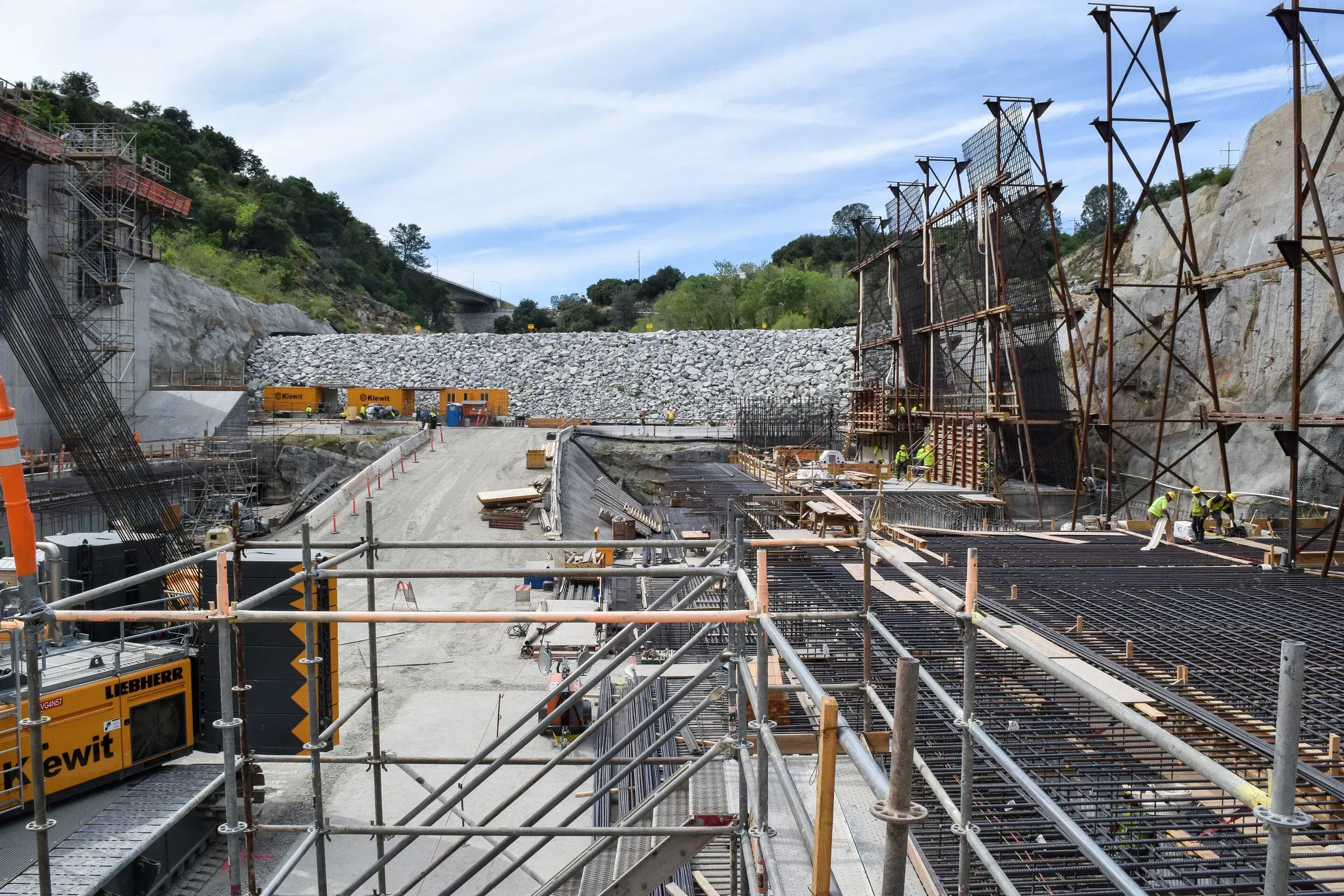
Who you sell to: School districts, Cities and counties, Housing authorities, Universities, State facilities.
What Capveon finds for you
- Bids issued directly for your trade
- General bids with your scope as one section
- Annual and on-call contracts for repairs
- Cooperative contracts you can join
Early signals that matter to you
- Facility condition assessments naming your systems
- Summer work approved by school boards
- Deferred maintenance lines in budgets
Your review
Columns to start with.
A review reads every document on every bid and fills in your columns, and each answer links to the page it came from. These are a good first set for your industry, and you can add your own.
- Our scope present
- Spec sections for our trade
- Prevailing wage
- Manufacturer requirements
- Warranty term
- Work window

An example
The roofing scope inside a renovation bid
A school district posts a building renovation as a general construction bid.
The review finds Section 07 54 00 calls for a full roof replacement with a 20-year warranty.
It notes the work window is June 15 to August 10 and prevailing wage applies.
You send a price to the general contractors bidding it a week before they start calling subs.
A made-up example. It doesn’t name a real agency, firm or product.
Questions
Will it find my scope inside bigger bids?
Yes. Capveon checks the specifications on general bids for your spec sections and tells you when your work is in them.
Is this worth it for a small shop?
Plus is $299 a month for the whole shop. Everyone can log in, and you pay for one plan.
See every contract that fits your business.
Try it free for 7 days with your whole team, or enter your website and see the contracts that fit in about a minute.