The first draft is ready when you are.
The checklist, the note to the engineer, the product data and the plan, drafted from the documents and your own past work.
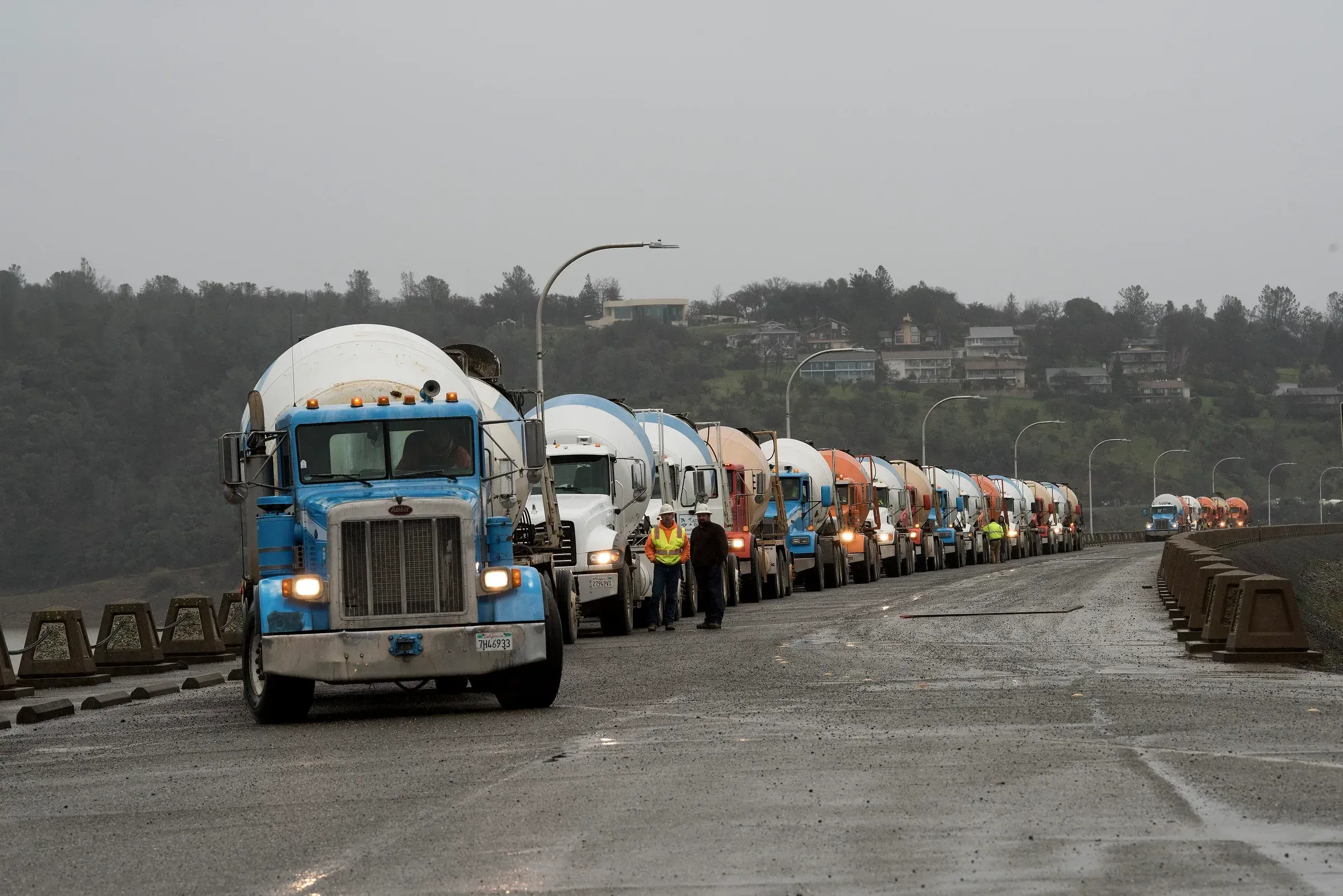
Concrete trucks lined up for the Oroville Dam emergency spillway repair, 2017. California Department of Water Resources.
Once you know a project is yours, the paperwork starts.
A checklist of every requirement. Product data matched to the spec. A note to the engineer. An entry in the CRM. Each one built by hand from the same documents someone already read.
How it runs
A person on your team approves before anything is written to a system you run.
- Gather
Every requirement, form and deadline, with the page it came from.
- Match
Each one to your products, your past work and your standard documents.
- Draft
The checklist, the note, the product data and the plan.
- Review
Your team edits and approves. Capveon never sends or submits anything itself.
What it produces
Every field links to where it came from.
Requirements, treatment plant improvements
214 requirements found, 6 need a person.
- C.3.1
- Temporary operations plan. Covered.
- C.4.1
- State specialty certification. Needs input.
- L.8.2
- Three references within five years. Covered.
- H.9
- Key personnel letters. Missing.
208 requirements matched from your past work.
Questions
- Does it submit anything?
- No. It drafts. Your team edits, approves and sends.
- Where do the drafts come from?
- The project’s own documents and your past work, with the page behind every line.
Bring the work you’re looking at.
Thirty minutes on your own projects. We go through what each one is, whether it’s yours, and what to do next.